
Widgets
Use AgentKit to build a UMG layout, add Blueprint variables and supported graph logic, or inspect the layout of a Widget Blueprint you already have.
Create
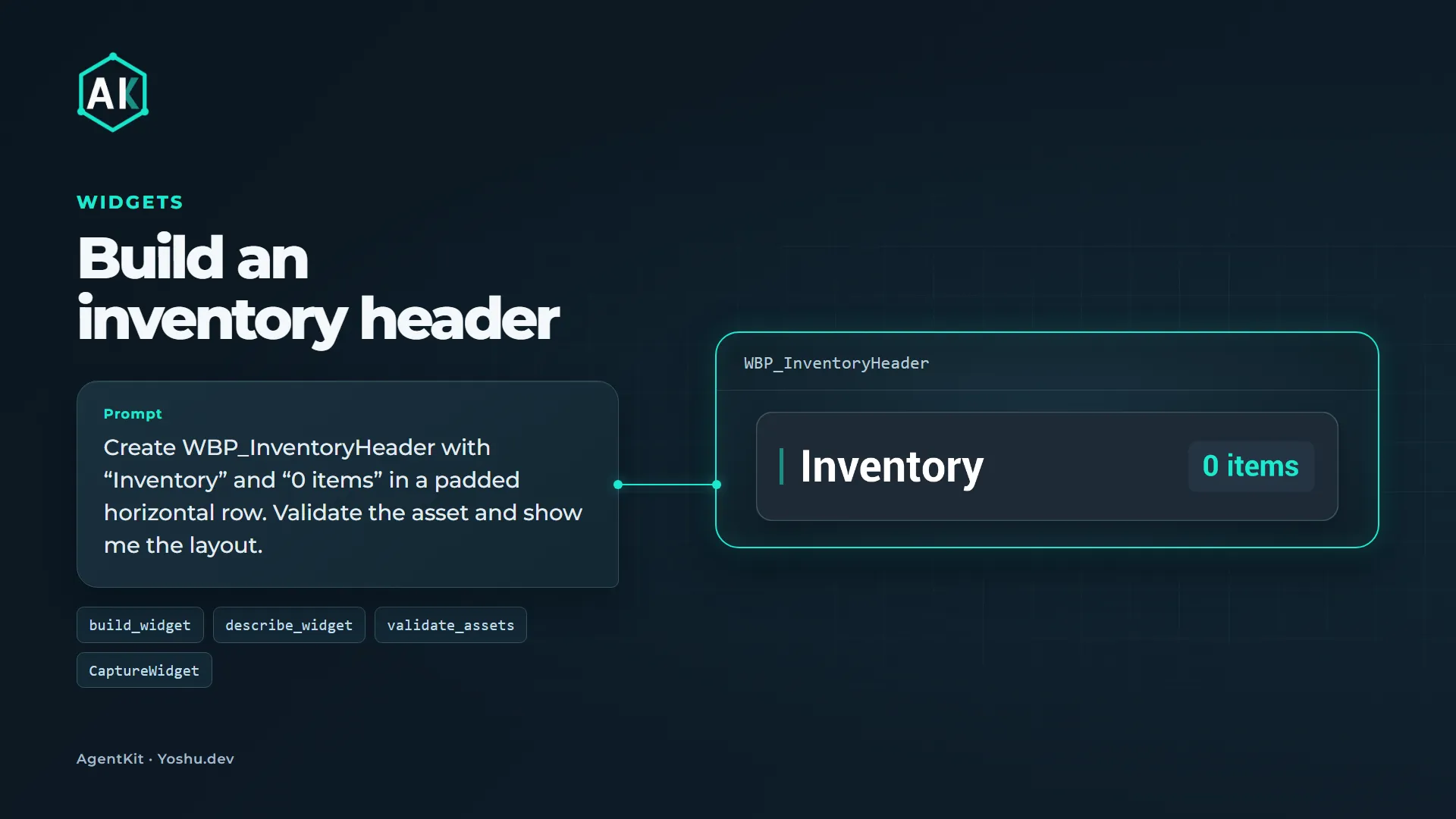
WBP_InventoryHeaderas a new Widget Blueprint under/Game/AgentKitDemo. Put “Inventory” and “0 items” in a padded horizontal row. Validate the asset and show me the layout.
- The agent uses
build_widgetto create the row and its text widgets, then compiles and saves the Widget Blueprint. - It reads the resulting hierarchy and layout with
describe_widget. It can skip graphs for a layout-only review. - It runs
validate_assetsfor diagnostics and usesCaptureWidgetto render the layout.
You get a Widget Blueprint you can open in the UMG Designer and a preview you can compare with the layout you requested.
© Yoshu.dev