
Captures
Use captures to review how a Widget Blueprint renders, compare poses of a UMG animation, or show the Unreal Editor window to your agent. Captures require an editor session with rendering enabled.
Capture
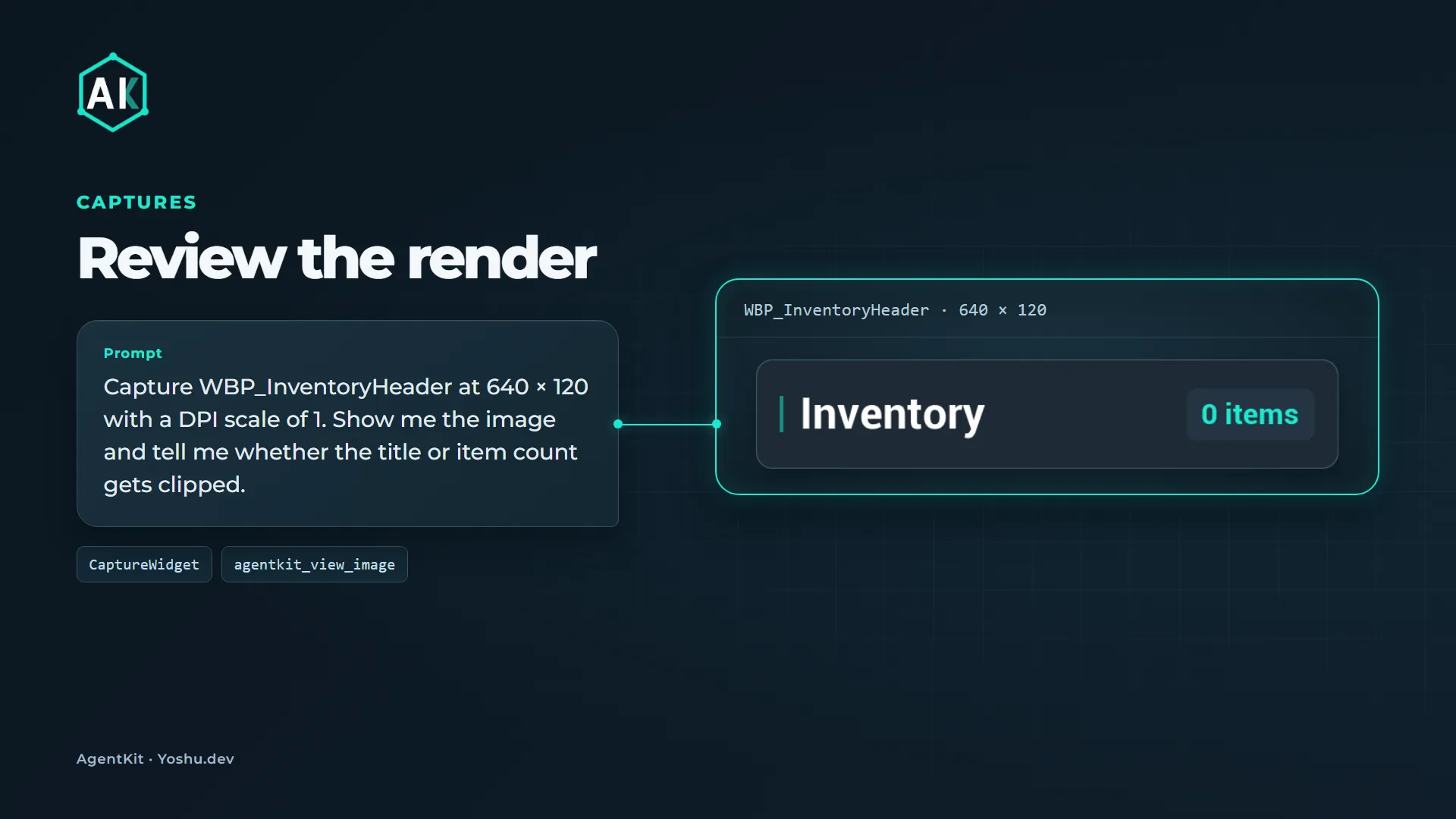
WBP_InventoryHeaderat 640 by 120 with a DPI scale of 1. Show me the image and tell me whether the title or item count gets clipped.
- The agent uses
CaptureWidgetto render the compiled widget offscreen. AgentKit saves the PNG underSaved/AgentKit/Capturesin the project. - The agent opens the file or uses
agentkit_view_imageto get the image through MCP. - It checks the rendered text and shares the PNG or its location with you.
You get a 640 × 120 image you can review without launching the game. For a grid of animation poses, ask for CaptureAnimation. To capture the editor’s main window, ask for CaptureSlate and leave the window restored.
© Yoshu.dev