
Quick start
Once the editor is connected to your MCP client, try a small widget at a new asset path.
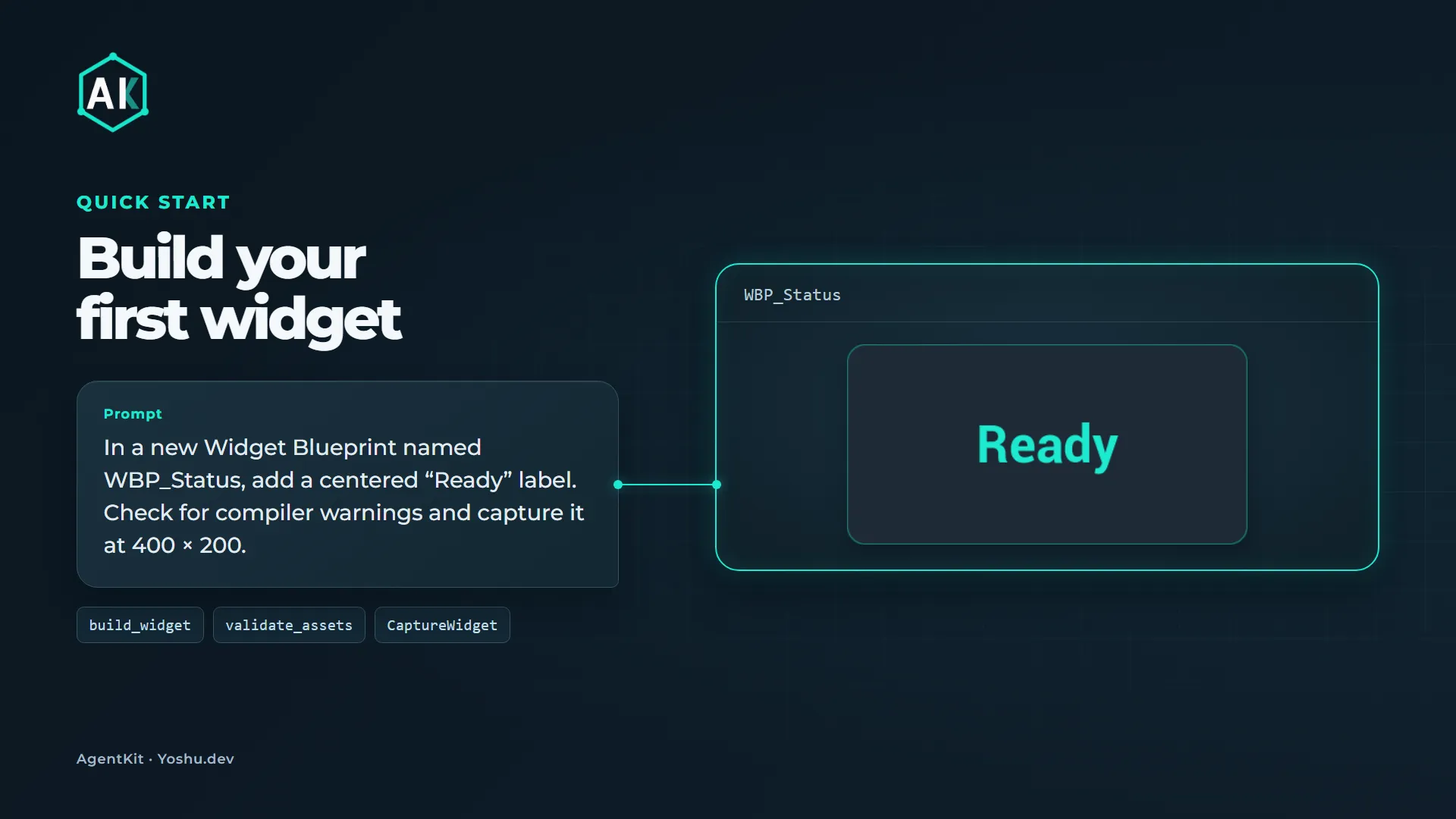
In a new Widget Blueprint named
WBP_Statusunder/Game/AgentKitDemo, add a centered “Ready” label. Use AgentKit, check for compiler warnings, and capture the widget at 400 by 200.
- The agent builds, compiles, and saves the Widget Blueprint using
build_widget. - It runs
validate_assetsand reports any diagnostics. - It uses
CaptureWidgetto render a PNG and shares the image or its location.
Open WBP_Status in the UMG Designer to review the result. Use the widgets guide to build a layout with more than one element.
© Yoshu.dev