
Animations
Use AgentKit to author UMG animations and review their timing and appearance. Start with an existing Widget Blueprint.
In
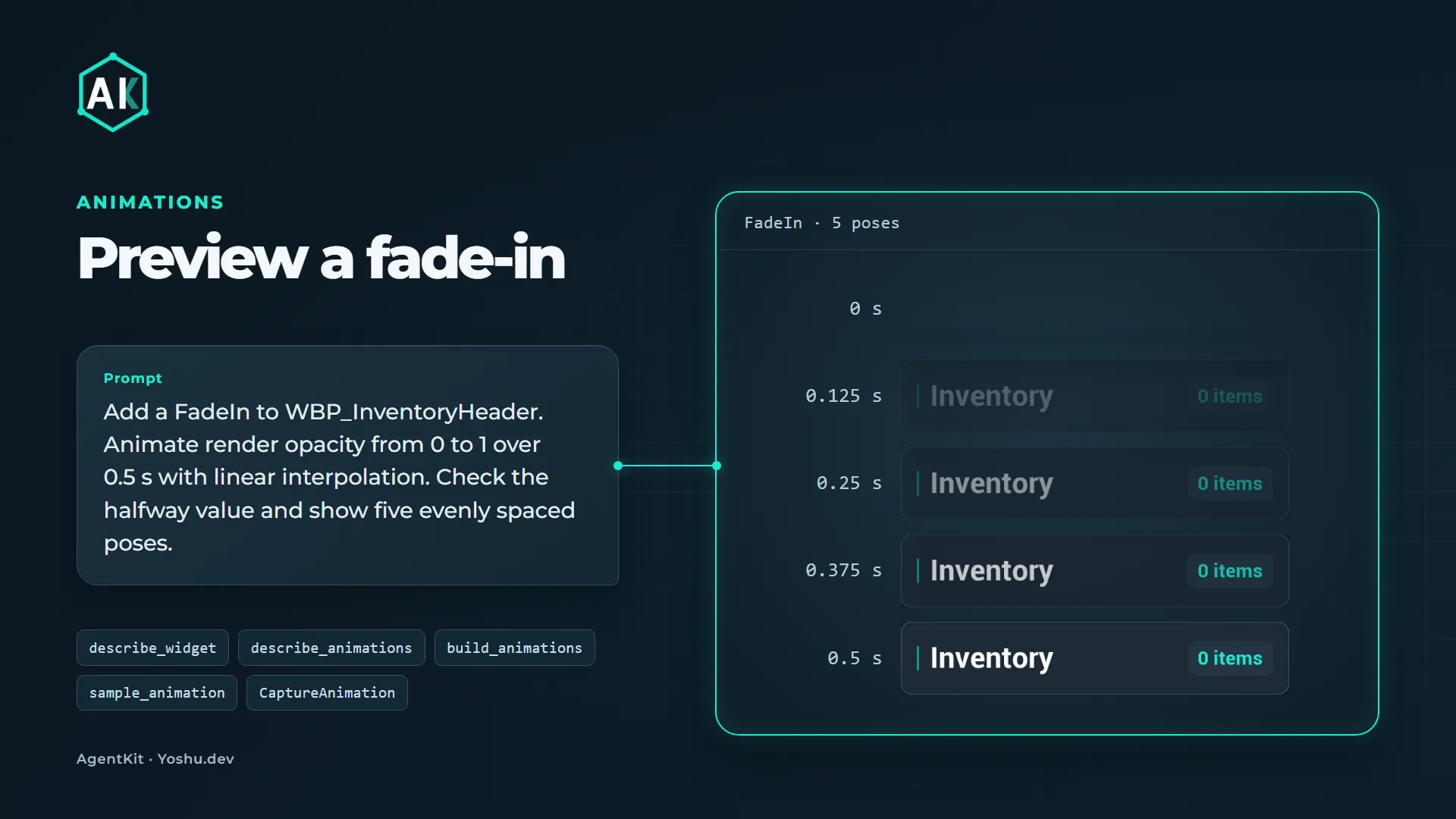
WBP_InventoryHeader, add a new animation namedFadeInthat takes the header’s render opacity from 0 to 1 over half a second, with linear interpolation. Check the halfway value and show me five evenly spaced poses.
- The agent locates the header with
describe_widgetand checks the existing animations withdescribe_animations. - It uses
build_animationsto author the fade, compile, and save the Widget Blueprint. - It uses
sample_animationto check that the opacity is 0.5 at a quarter of a second, then renders a PNG grid withCaptureAnimation.
You get a fade you can play in the UMG Designer and a labeled contact sheet for review. Compare the sheet with the Designer when the exact appearance matters.
For an existing animation, ask the agent to inspect changes with diff_animation before it proposes a replacement. See Limits & safety for how AgentKit protects manual edits.
© Yoshu.dev